RAID: Shadow Legends – How to Connect My Account to Steam?
By Sarah Parker
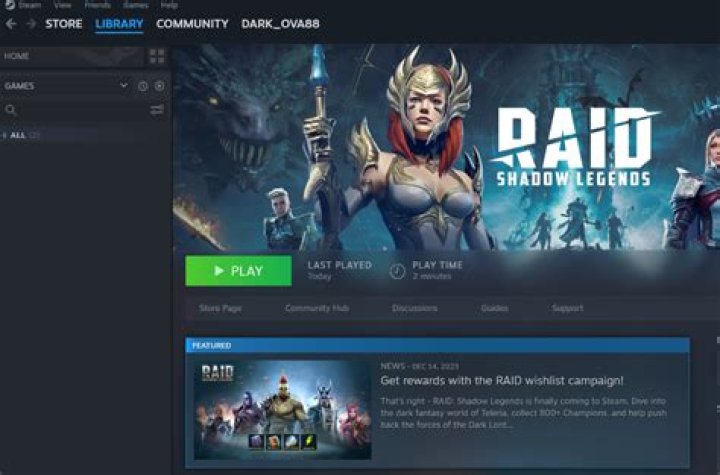
You can link your main RAID account to Steam.
You Can Link Your Account to Steam
- Install the Plarium Play app from the official website plarium.com on your PC
- Log into your current Plarium ID (a detailed guide on how to do that is here here)
- Tap on Settings in Plarium Play
- In the opened window, tap on Steam in the Linked Accounts tab and specify your login credentials for Steam
- Log into Steam using the linked account.
Afterward, download RAID: Shadow Legends from Steam.
Please note if you have already downloaded RAID from Steam before linking the existing account to it, you will start a new account.