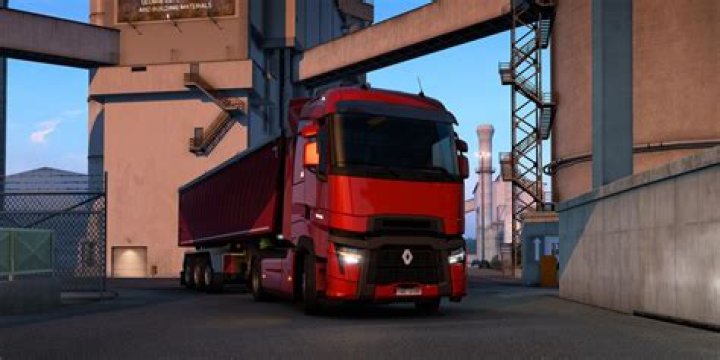
Euro Truck Simulator 2 – Xbox Controller Setting
By Sophia Edwards
Other ETS2 Guides:
- Easy and Fast Money.
- Special Transport DLC Guide.
- Italia DLC Achievements Guide.
- Beyond the Baltic Sea DLC Guide.
Controls
First set up controls. Don’t forget choose keyboard+XInput Gemapad 1. If you didn’t choose XInput Gemapad, force feedback will not work. Now set up other things like on screenshots.
Click to enlarge…
Buttons
More Guides:
- Euro Truck Simulator 2 – Vive la France! DLC Achievement Guide
- Euro Truck Simulator 2 – Trucks Technical Statistics Explained
- Euro Truck Simulator 2 – How to Skip Both Road Toll and Border Control
- Euro Truck Simulator 2 – Halloween and West Balkans DLC Event Guide
- Euro Truck Simulator 2 – How to Return Old Trucks to Dealerships